
How to Lock or Freeze Your Credit Reports From Equifax, Transunion, and Experian
With the number of data breaches that have happened, it’s almost a given that your personal data is compromised. Experts recommend locking or freezing your credit report as one way to help prevent identity theft. Happily, the process for locking and freezing has become a lot simpler later. Here’s how to do it for the three major credit reporting agencies.
Lock vs. Freeze
Credit locks and freezes both prevent agencies from accessing your credit report. This prevents hackers from opening new credit cards, loans, etc. in your name. Credit locks may have a fee though.
Credit freezes do the same things, but are regulated by the government, are always free, and guarantee certain legal rights.
These days, locks and freezes are almost the same. They achieve the same goal. My recommendations are below.
Equifax
Perhaps due to a dose of humility after their disastrous data breach, Equifax now makes it very easy to lock or freeze your credit report, and both are free, through two separate websites.
Equifax handles credit locks through their free Lock & Alert service. You can log in or sign up here:
https://lockandalert.equifax.com/
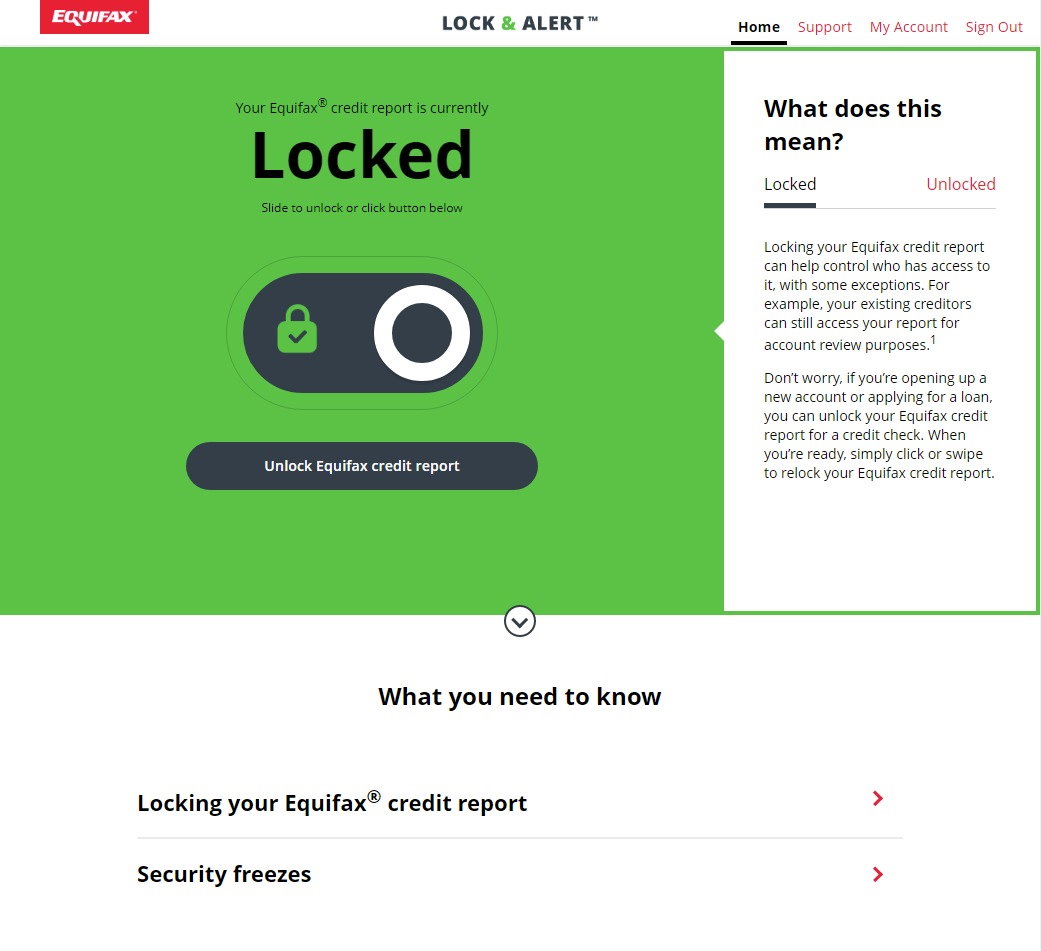
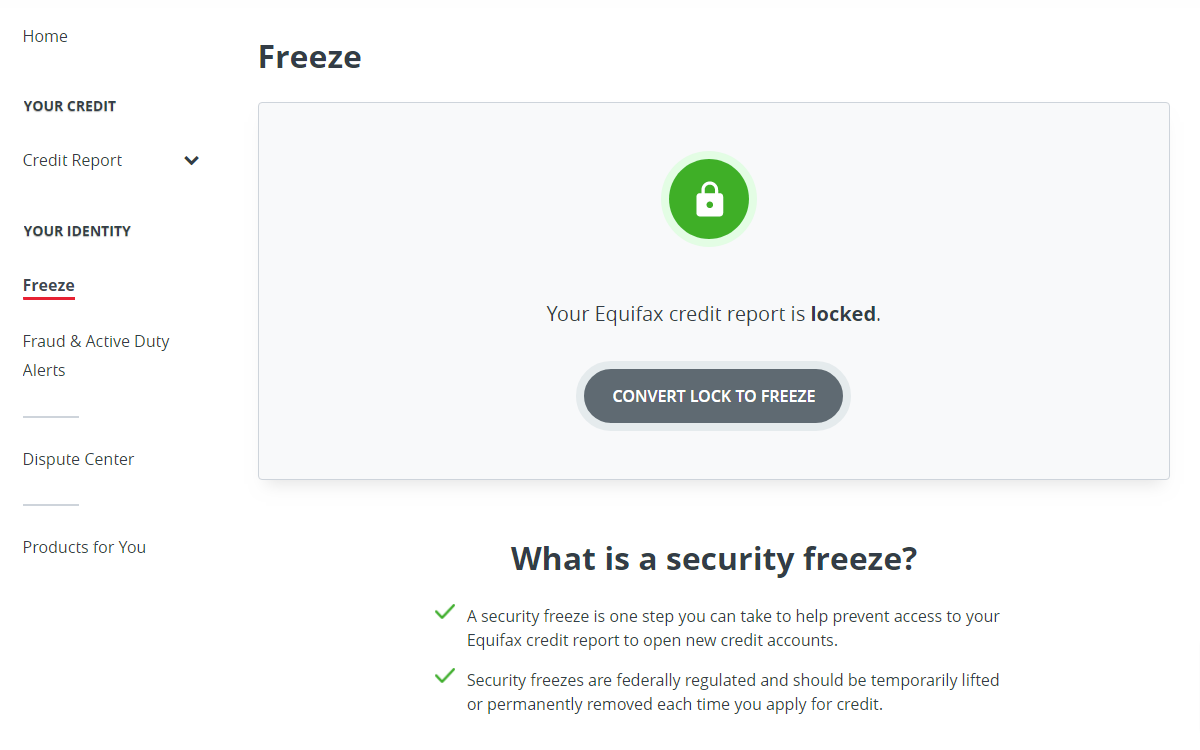
Pretty much all you can do there is lock and unlock your report. There are no credit reports, scores, etc. there. There is a mobile app which is a great idea in theory, but it is plagued with bad reviews. Some of these may be from folks confusing Equifax’s Lock & Alert service with their freeze service at my.equifax.com though.
To freeze your Equifax report, sign up here:
There, you can also get your credit report.
Which Should You Do?
The Lock & Alert website is very easy to use, and it sends you an email and text to confirm locks/unlocks. So, those are reasons in favor of locks. On the other hand, if you would like to someday get a credit report, you can only do that at my.equifax.com, so might want to do your freeze there as well and save yourself another login.
Transunion
Transunion got rid of credit locks in 2025 and now only offers credit freezes. I think that is a good thing because it eliminates redundancy and confusion; I wish all of the bureaus would do that.
https://service.transunion.com
Once you log in, they make it pretty easy to find:


Kudos to Transunion for making freezes so simple and easy!
Experian: Freeze Using Their Mobile App
Experian charges for locks, so it’s a no-brainer to use a freeze instead.
Freezing and unfreezing is still problematic on the Experian website on certain browsers:
When I went to that website on my desktop computer, the “unfreeze” button wasn’t there! In fact, I couldn’t find a way to unfreeze on desktop at all (as of 11/23/2025). Even crazier, when my wife went to the site on her laptop Mac, the unfreeze button was there! So, I can’t really say whether it will work for you or not on a desktop browser! It worked for me on my mobile browser though.
After you log in, be sure to decline the offers to pay anything; their user interface has “dark patterns” that may trick you into paying for something that you didn’t want to. Scroll almost to the bottom of the page until you hit the “unfreeze file” (or “freeze file”) button. Click that, then you’ll go to a page with a big button where you can freeze/unfreeze. This works on mobile browsers for sure.


You theoretically should be able to unfreeze by calling Experian at 888-EXPERIAN (888-397-3742) but some folks on social media said that didn’t even work (they just went in circles).
You can also use the Experian mobile app to freeze or unfreeze. Click the “hamburger” menu in the upper right corner of the app, then select “Security Freeze” as shown below:


When registering with Experian, make sure not to sign up for any paid plans. The site heavily promotes those vs. the free freeze option, so be careful when registering.
Experian also has a paid IDnotify service, which starts at $9.99 per month unless you got it for free (some companies offered free memberships to appease their data breach victims). In general, I don’t recommend paying for those type of services.
Which Should You Do?
With Experian, freezes are free while locks are not. So, just freeze!
Some Tips
For best security, you should lock or freeze your report on all three credit agencies.
Be sure to keep your logins in a secure place so you can unlock or unfreeze your reports when you need to. I recommend using a password manager.
Rather than paying for credit monitoring services, I recommend these tips that you can do for free.
Remember…
If you apply for a credit card, loan, or many other types of financial services, your application will be rejected unless you unlock or unfreeze your report at the specific credit agency they are using.
I guarantee that you’ll forget that you locked your reports and that you’ll need to unlock them at some point. You’ll be at a department store, maybe about to purchase something expensive, when you try to apply for a new credit card (to get some amazing cashback deal), and your application will be rejected. So, you may want to make sure you’re able to unlock your reports using your phone.
I hope this was helpful to you! – Brian






Please Leave a Question or Comment
I try to answer each one! - Brian
You did not explain the difference between a freeze and a lock. Which one does what? What part does the government have to with a freeze and why? I would like to lock out anyone from getting my credit reports, is this possible?
Hi Michelle,
They both do the same thing. Either will lock out everyone else from getting your credit report. By law, freezes must be free. Locks are a similar service created by the bureaus for which they can charge, but they accomplish the same thing. The main differences are in the cost and in how you activate or de-activate them.
Brian